
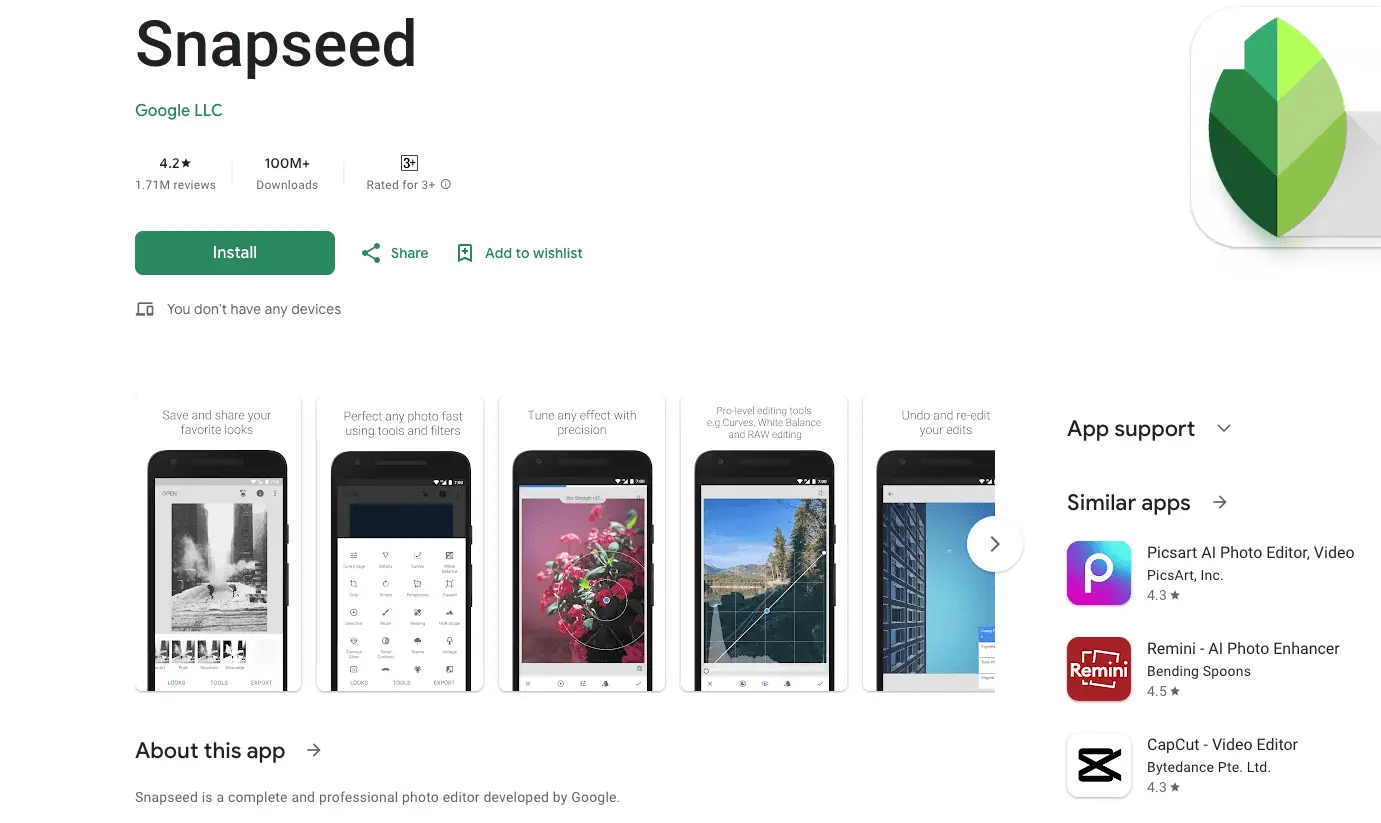

Are you searching for the best app for car photo editing to make your car photos stand out? A great editing app can bring out the beauty in your shots.
These apps can help perfecting the glossy finish on your car’s body to adding a professional touch. The right app can completely transform your photos too.
In this guide, I’ll walk you through the best app for car photo editing, features, and editing tips. By the end of this blog and you’ll know exactly which app suits your style.
Also, you’ll be ready to elevate your car photography to the next level. Let’s get started!
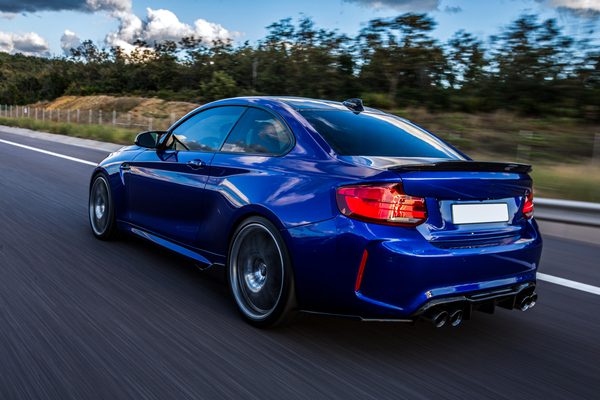
Why You Need the Best App for Car Photo Editing
Benefits of Editing Car Photos
Enhancing details like glossy paint and shiny rims
Bringing out the small details makes a big difference when editing car photos. A great app can enhance the reflective shine on your car’s body, highlight intricate designs, and make your images look professional.
Features like HDR effects and contrast adjustments allow you to focus on these specifics too.
Correcting imperfections such as scratches or lighting issues
No matter how carefully you plan, scratches, glare or poor lighting sneak into your car photos. Editing apps provide tools like blemish removal and exposure correction to fix these issues. You can turn an imperfect shot into a polished masterpiece with a few taps.
Need Help With Car Photo Editing Contact Smart Clipping
Adding creative flair with filters and effects
Want to give your car photos a unique look? Filters and effects can give you a vintage vibe or a bold and cinematic style. The best editing apps have tools that let you experiment with colors, lighting, and textures to match your vision.
Saving time while achieving professional results
You don’t need to spend hours editing complicated software. Today’s apps make car photo editing faster and easier. You can achieve pro-level results in minutes with AI-powered features like auto-enhancements. Even if you’re a beginner.
Before we move on, remember that finding the best app for car photo editing depends on your goals. If you want vibrant Instagram-worthy edits or professional-grade touch-ups then there’s an app for everyone.
In the next section, I’ll share detailed insights about each app and highlight what makes them stand out. Stay tuned!
Related Blog Posts You Might Find Helpful:
- How to Edit Car Photos on iPhone Like a Pro! (5 Easy Steps)
- 7 Best Car Image Editing Services for Eye-Catching Listings
9 Best Apps for Car Photo Editing to Transform Your Shots
Are you ready to explore the best app for car photo editing? I’ve put together a list of the top apps that will help you transform your car shots.
To make this list, I considered usability, features, affordability, and ratings. Let’s dive into the details!
1. Adobe Lightroom Mobile
Best for: Advanced color grading and detailing
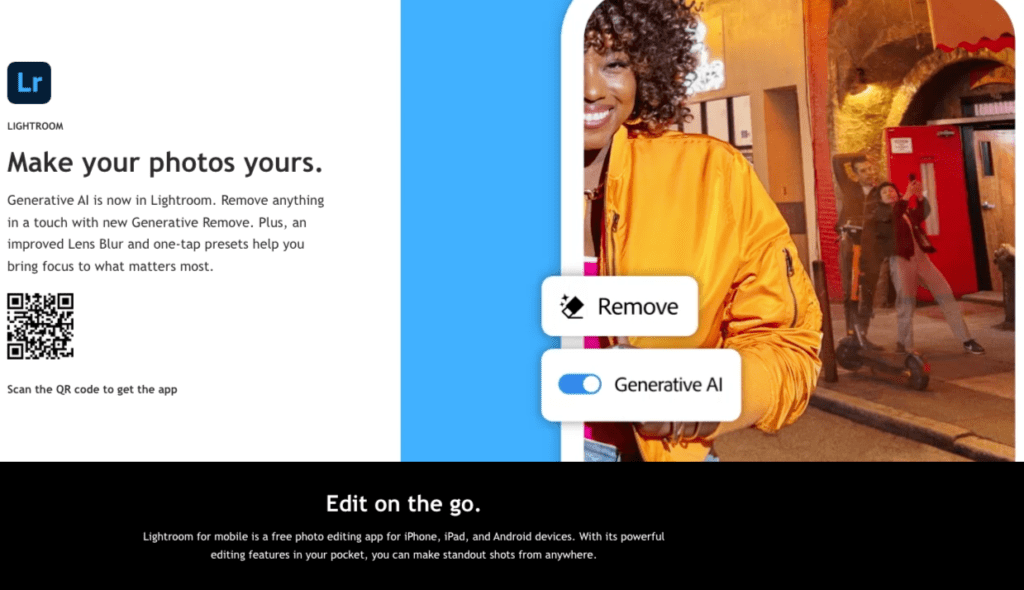
If you love precision editing then Adobe Lightroom Mobile is a must-try. It’s packed with professional tools that allow you to enhance every aspect of your car photo.
You can fine-tune the gloss on your car’s surface and adjust shadows and highlights using Adobe Lightroom.
Key features:
- Lightroom presets for consistent editing
- Selective adjustments to target specific areas
- Noise reduction for cleaner images
Pros:
- Intuitive interface for professional editing
- Syncs across devices for easy workflow
- Wide range of presets to speed up editing
Cons:
- Requires a premium subscription for advanced features
- This photo editing app might feel overwhelming for beginners
Why I recommend it:
Adobe Lightroom Mobile’s ability to refine details is unmatched. You can create stunning effects that make your car’s paint job pop. You can also keep the overall image natural
5 Proven Luxury Car Rally Photography Tips for Perfect Shots
2. Snapseed
Best for: Beginners and quick edits
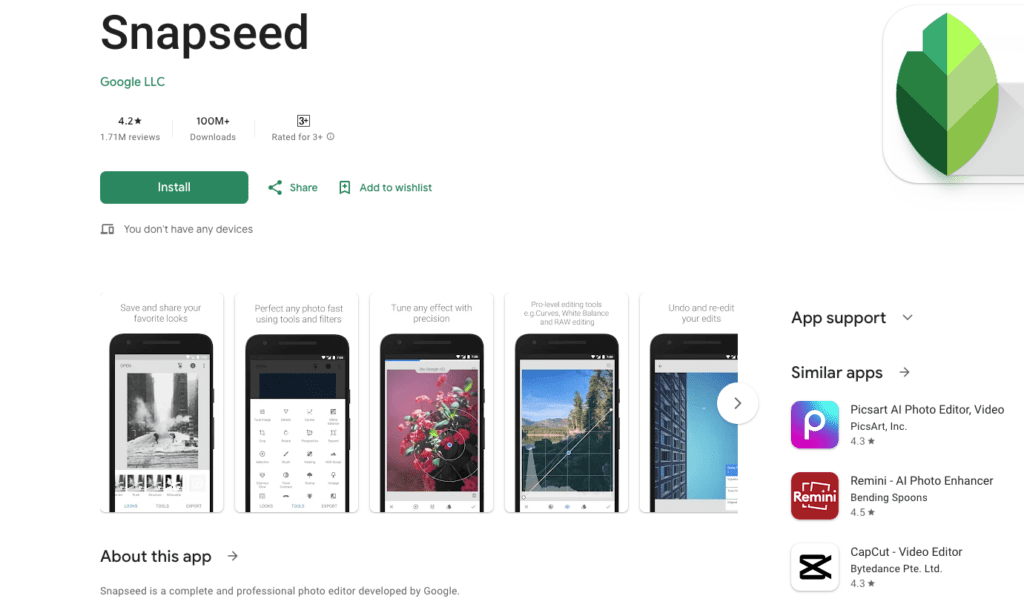
Snapseed is perfect if you’re just starting out or need to edit photos on the fly. It’s free and easy to use.
It also offers powerful tools like the Healing feature to remove unwanted distractions in your shot.
Key features:
- Healing tool for removing scratches or unwanted elements.
- Selective adjustments are needed to fine-tune specific parts of the photo.
- HDR Scape to create a dynamic range effect.
How to use Snapseed for car shots:
- You need to import your car photo into Snapseed.
- You need to use the Selective Tool to brighten the car’s surface.
- Then apply the Healing Tool to remove dirt or scratches.
- Finish with HDR Scape for a bold look.
Why I recommend it:
Snapseed makes editing simple without compromising quality. It’s ideal for giving your car photos a professional finish.
Top Locations for Car Photography in UAE You’ll Love
3. PicsArt
Best for: Creative filters and artistic effects
Want to add a touch of creativity to your car photos? PicsArt is the best for this. This app combines editing tools with fun features like overlays, stickers, and background removal.
Key features:
- A wide variety of artistic filters
- Background removal for creating focus
- Overlays and stickers for unique designs
Why I think it’s great for social media:
PicsArt helps you create eye-catching edits that are perfect for platforms like Instagram. Also, you can easily highlight your car’s sleek design while adding personality to your posts.
4. Photoshop Express
Best for: Professional-grade editing on the go
If you need pro-level editing but want something mobile-friendly then Photoshop Express is a fantastic option. It includes advanced tools like spot healing and retouching. These are perfect for car photos.
Key features:
- Spot healing to fix scratches and blemishes
- Retouching tools for enhancing fine details
- Blend modes for creative photo manipulation
Why I think it’s great for car photos:
Photoshop Express excels at handling intricate edits. For example, you can smooth out imperfections on your car’s body or enhance the shine on metallic surfaces with ease.
The Ultimate Guide to Gorgeous Vintage Car Photography
5. VSCO
Best for: Aesthetic filters and easy adjustments
VSCO is known for its beautifully crafted presets that can give your car photos a polished, artistic vibe. It’s user-friendly, making it great for quick edits that still look professional.
Key features:
- Film-inspired presets for unique tones
- Cropping and alignment tools to frame your car perfectly
- Basic editing options for brightness, contrast, and sharpness
Why it’s a favorite for Instagram-ready shots:
VSCO’s filters can transform a simple car photo into a stunning image that gets noticed. It’s also perfect for anyone who wants an effortless way to enhance their shots.
We’ve covered the first five apps. But there’s more to come. The next section will feature more amazing tools to help you edit your car photos like a pro.
Stay tuned!
Related Blog Posts You Might Like:
How to Edit Car Photos in Photoshop for Jaw-Dropping Results (5 Steps)
6. Fotor
Best for: One-click edits and AI enhancements
If you’re looking for an app that simplifies editing then Fotor is the perfect one. It’s equipped with tools for quick and professional results.
You can adjust lighting, fix colors, and even apply HDR effects with a single click.
Key features:
- This app has AI-powered color correction for vibrant tones.
- HDR effects for high-quality dynamic range
- It also have ready-to-use templates for car photo layouts
Why I think it’s great for car photos:
Fotor’s AI tools are perfect for refining your shots in seconds. It’s great for highlighting your car’s sleek design or preparing a photo for sale. This app also helps you achieve a polished look without much effort.
7. Pixlr
Best for: Simple interface and effective tools
Pixlr is a great choice for anyone who wants an easy-to-use app with powerful features. It’s a lightweight photo editing app. This app also offers essential tools like background removal, overlays, and filters.
Key features:
- This photo editing app can help you in background removal for isolating your car.
- Artistic filters to give your car photos a unique touch.
- Overlays for adding creative effects.
How to make your car photos pop with Pixlr:
- Use the Background Removal tool to isolate your car.
- Apply a vibrant filter to enhance the color.
- Add overlays like light flares for extra impact.
Why I recommend it:
Pixlr is easy to use and delivers excellent results. This app for car photo editing is ideal for creating standout car images that are ready for social media or advertising.
8. Canva
Best for: Creating car photo collages and ads
Canva isn’t just for graphic design. It’s also fantastic for editing car photos. This photo editing app has a drag-and-drop interface. This makes it easy to create collages or promotional materials. You can create flyers and social media posts in seconds!
Key features:
- You will get professional templates for car advertisements.
- Text overlays for adding details like prices or specs.
- Drag-and-drop tools for effortless customization.
How to use Canva for car sales and promotions:
- Choose a car ad template or create a custom design.
- Upload your car photos and place them into the design.
- Add text overlays to highlight key features or pricing.
Why it’s great:
Canva is a beginner-friendly photo editing app and saves time. If you’re selling a car or promoting a car-related event then you should definitely try it. Because Canva makes it easy to design eye-catching materials.
9. AirBrush
Best for: Enhancing details and smooth finishes
AirBrush is perfect for refining close-up shots of your car. Its blemish removal and lighting tools can smooth out imperfections and bring out the best in your photo.
Key features:
- This app is great for blemish removal for eliminating unwanted spots or scratches.
- Lighting fixes to brighten dull areas.
- Special effects for a professional finish.
Why it’s great for close-up car shots:
AirBrush excels at enhancing details. For example, you can smooth out the reflection on your car’s surface or brighten the headlights for a cleaner look.
Get Professional Car Image Editing With a Free Trial
Related Blog Posts to Check Out:
These apps truly make a difference in how your car photos look. You can get a bold, creative style or a polished, professional vibe using these photo editing apps for mobile.
Comparing the 9 Best Apps for Car Photo Editing
Choosing the best app for car photo editing depends on your requirements. Here’s a quick comparison of these apps based on ease of use, features, pricing, and best use cases to help you decide.
| App | Ease of Use | Key Features | Pricing | Best Use Case |
| Adobe Lightroom | Moderate | Presets, advanced adjustments | Free & Paid Plans | Professionals and advanced users |
| Snapseed | Easy | Healing, HDR, selective adjustments | Free | Beginners and hobbyists |
| PicsArt | Easy | Filters, overlays, background removal | Free & Paid Plans | Creative and social media edits |
| Photoshop Express | Moderate | Spot healing, retouching, blend modes | Free | On-the-go professional editing |
| VSCO | Easy | Film-inspired filters, cropping tools | Free & Paid Plans | Instagram-worthy car photos |
| Fotor | Easy | AI enhancements, templates, HDR effects | Free & Paid Plans | Quick, polished car images |
| Pixlr | Easy | Background removal, overlays, filters | Free & Paid Plans | Simple, effective edits |
| Canva | Very Easy | Templates, text overlays, drag-and-drop | Free & Paid Plans | Collages and car ad designs |
| AirBrush | Easy | Lighting fixes, blemish removal, effects | Free & Paid Plans | Detailed, close-up car shots |
How to Choose the Right App
- Hobbyists: If you’re editing for fun or sharing on social media then Snapseed, PicsArt, and Canva are perfect for you.
- Professionals: Adobe Lightroom or Photoshop Express are great choices for more advanced controls and high-quality results.
- Quick Edits: Apps like Fotor and AirBrush are ideal for quick enhancements.
Tips for Editing Car Photos Like a Pro
If you want to elevate your car photo editing skills, here are some tips:
- Master Lighting Adjustments: Play with brightness, contrast, and shadows to make your car stand out. You can use apps like Adobe Lightroom for precise control.
- Enhance Reflections: Highlight your car’s glossy finish by tweaking highlights and saturation. Apps like Snapseed and Fotor work well for this.
- Remove Background Distractions: Use tools like Pixlr’s background remover to isolate your car and eliminate distractions.
- Use Filters Sparingly: Filters can enhance your car’s colors but avoid overusing them. VSCO and PicsArt offer aesthetic filters.
- Crop for Better Composition: Adjust framing to keep your car as the focal point. Canva makes cropping super simple.
These simple steps can help you transform an average shot into a professional-looking masterpiece.
Top Race Car Photography Tips for Thrilling Shots
Final Thoughts on the Best App for Car Photo Editing
Choosing the best app for car photo editing can make a huge difference in the quality of your shots. There’s something for everyone from beginner-friendly tools like Snapseed to professional-grade apps like Lightroom.
I suggest exploring a few apps to see which one works best for your needs. If you’re editing for social media, a car ad, or just for fun then these apps can help you create amazing photos.
Download one of these apps today and see how they can transform your car photos. Happy editing!
FAQs About “Best Apps for Car Photo Editing”
u003cstrongu003eWhich app is best for beginners?u003c/strongu003e
Snapseed is one of the best apps for beginners. Its intuitive design and free access make it easy to get started.
u003cstrongu003eAre these apps free or paid?u003c/strongu003e
Most apps, like Snapseed and Pixlr, are free with optional premium features. Adobe Lightroom and PicsArt have both free and paid plans.
Can I use these apps on both Android and iOS?
Yes! All the apps listed here are available on both Android and iOS platforms.
u003cstrongu003eHow do I remove a background in car photos?u003c/strongu003e
Pixlr and PicsArt are excellent for background removal. They have user-friendly tools to help you isolate your car in a few taps.
What’s the best app for professional car photography?
Adobe Lightroom Mobile and Photoshop Express are the top choices for professionals due to their advanced tools and precision.